The Brief
Bishopric Industries keeps its fabrication drawings, weld procedures, specifications and inspection documents in Egnyte. On the shop floor, finding the current drawing for a job meant navigating folder trees on a shared computer — slow, error-prone, and easy to land on an outdated revision.
The goal: a touchscreen kiosk at each location that gets a crew member from "which job?" to the right document in a few taps, and makes it obvious when something has changed.
What We Built
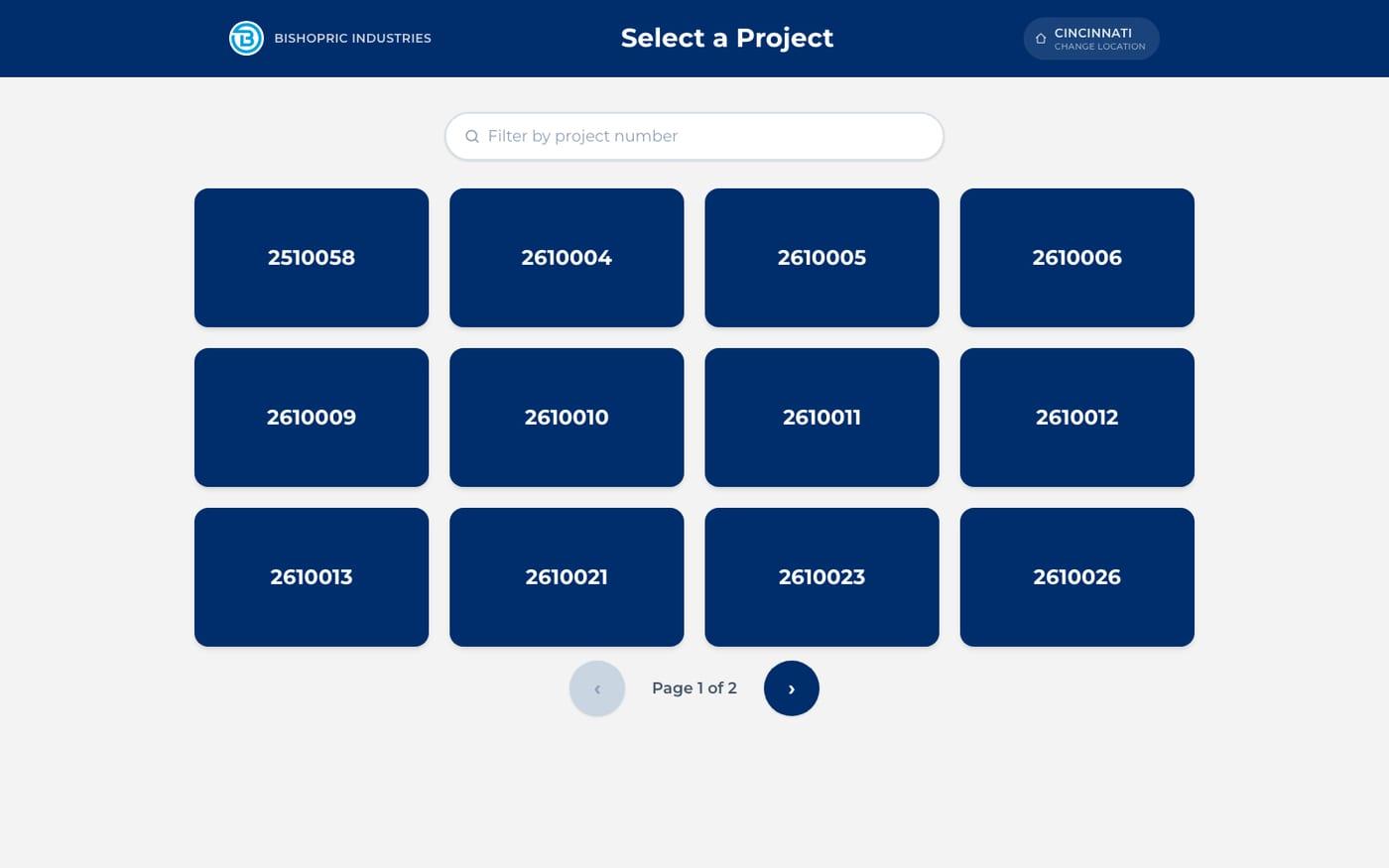
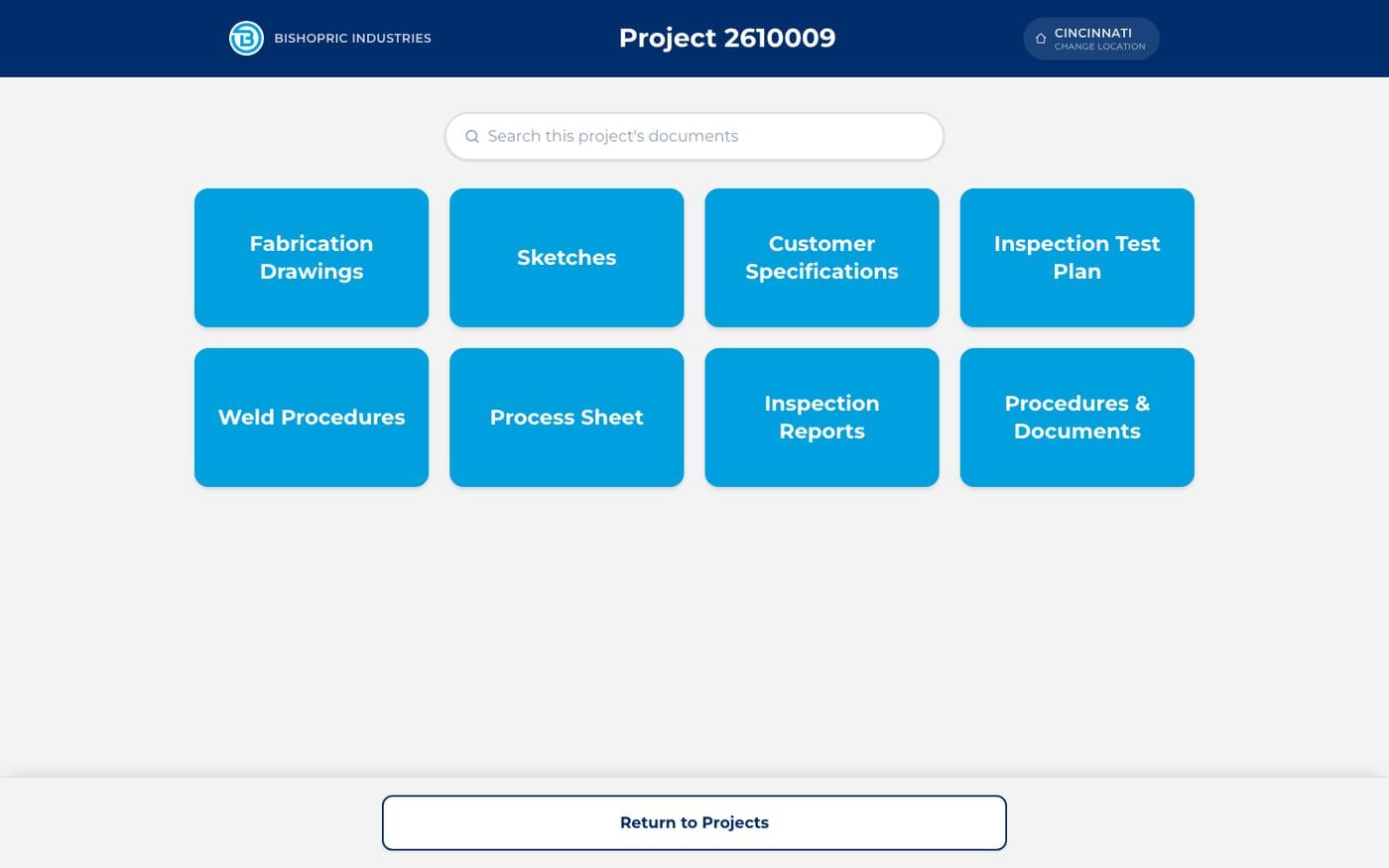
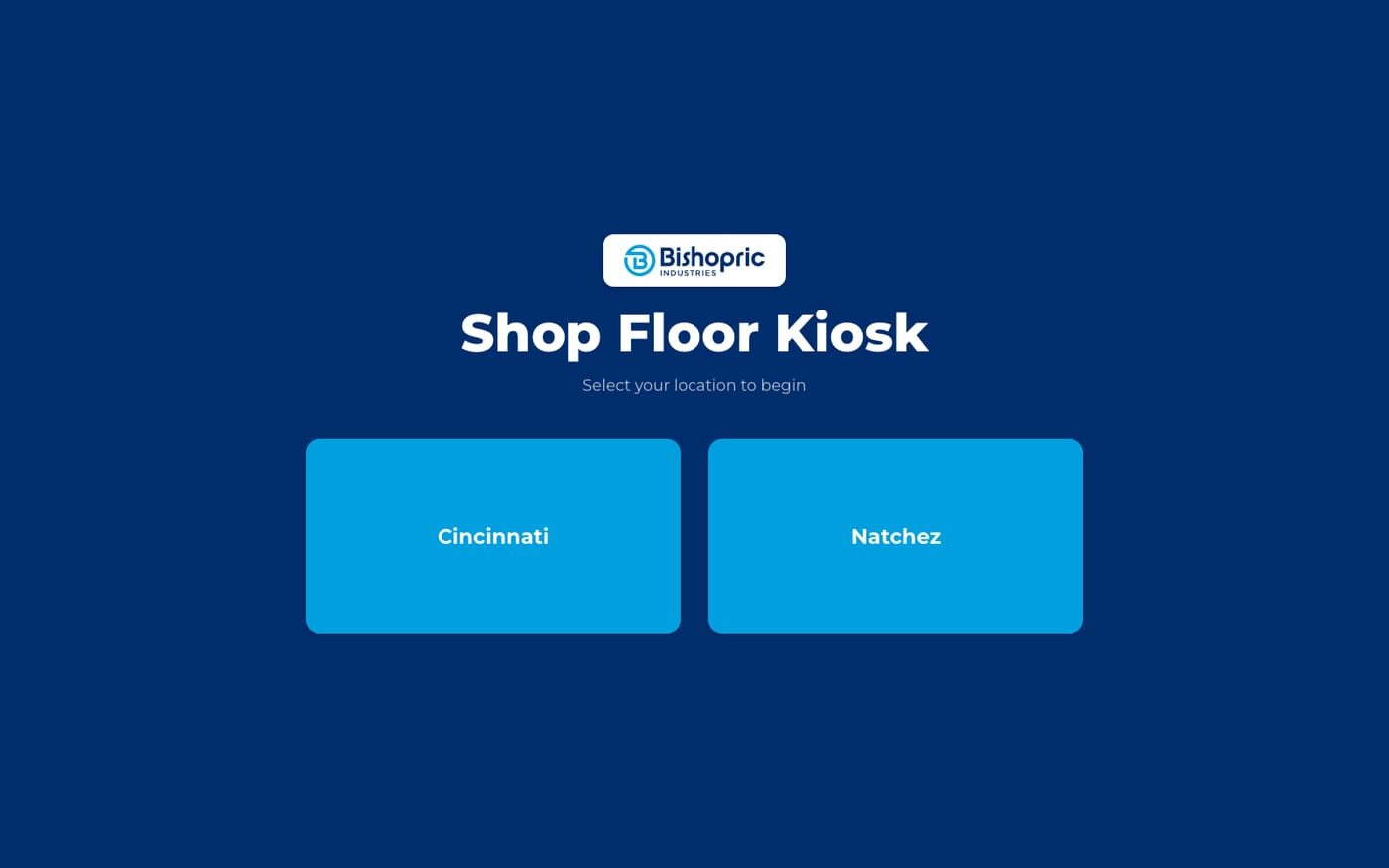
A custom Next.js application designed for a touchscreen first. The flow is five screens: pick a location, pick a project number, pick one of eight standard document categories, pick a drawing, and view it. Every control is a large touch target, and the kiosk returns itself to the home screen after a few minutes without input.
Locations are read straight from the Egnyte folder structure, so adding a new site is a matter of creating its folder, not changing code. Category folders can be empty when a project doesn't have that kind of document, and near-variant folder names are matched automatically.
Built Around Egnyte
Every Egnyte call happens on the server. The kiosk authenticates as a dedicated service account, and its credentials and access tokens never reach the browser.
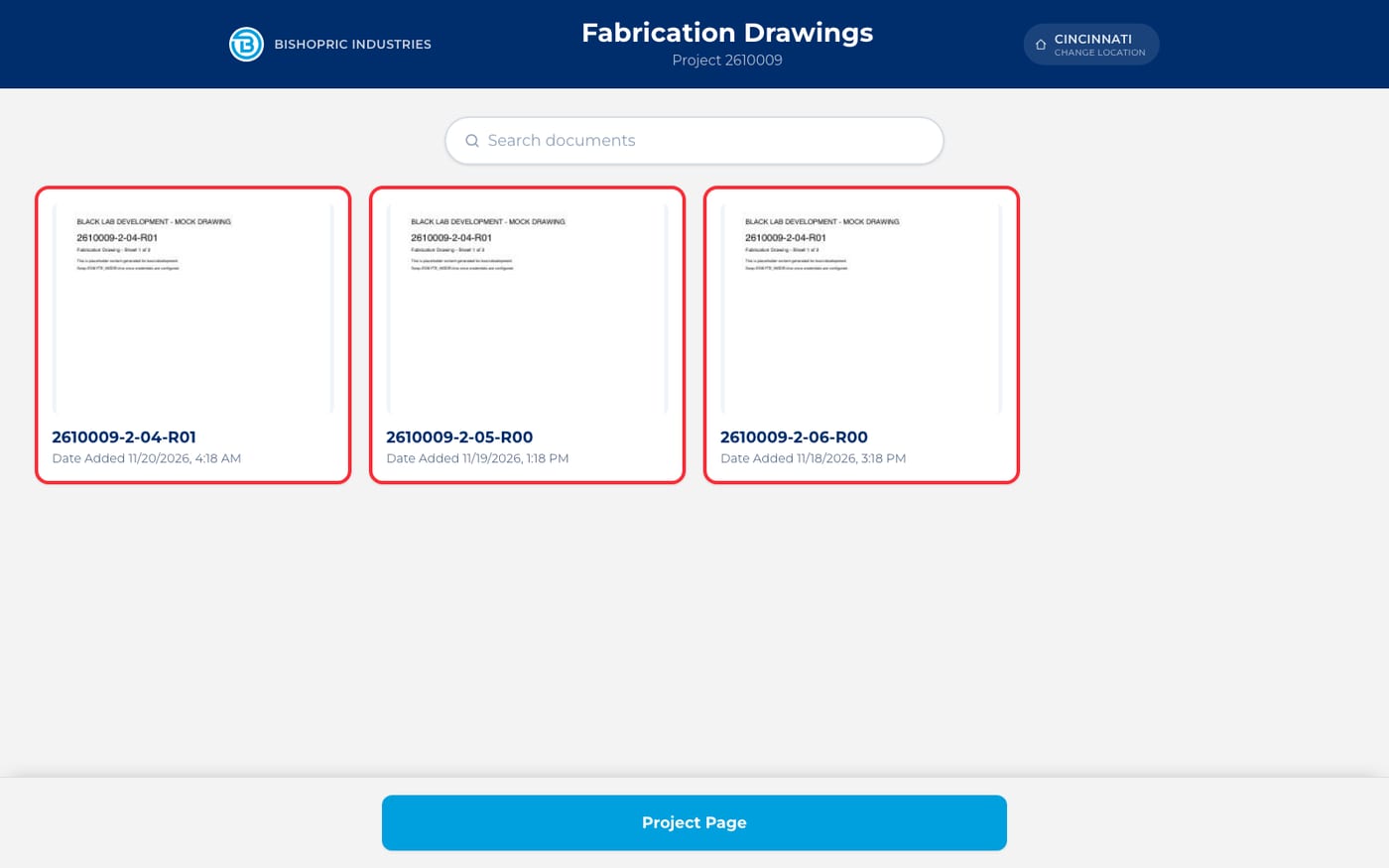
Egnyte meters requests, so the integration is designed around a request budget: a document view is a single call, page-one thumbnails are rendered once on the server and cached, and "recently added" activity comes from an hourly sweep of Egnyte's audit API instead of live scans on every screen.
Showing What Changed
A document counts as recent when it was uploaded or copied in during the last two business days, so weekends never hide Friday's changes. Recent drawings get a red outline and their date added, and projects and categories show a count of new documents, so crews can see at a glance where something changed.
Built for the Shop Floor
Drawings open in an in-browser PDF viewer with pinch-to-zoom, drag-to-pan, page navigation and fullscreen. If Egnyte can't be reached or a request is rate-limited, the kiosk shows a clear message instead of an error page, and a stale link falls back gracefully.
A separate admin dashboard lets the team switch on maintenance mode, clear caches, run an activity sweep on demand and review recent errors — without touching the kiosks themselves.